

Short course · Online
AI at Work: Safe Use Basics
Learn to use AI chat tools at work the safe way: ask well, check the answer, protect people’s private details, and know when a person must decide.
For any workplace: hospitality, aged care and disability, childcare, offices, safety, labs and testing, construction and trades, manufacturing, farming, retail, transport, cleaning and small business.
- Most people finish in 2 to 3 hours
- Online, self-paced
- 6 short parts, 3 practical tasks
- 6 short videos
AI at Work: Safe Use Basics. A short online course from Melbourne Tech Institute (RTO 45799). This course is not nationally recognised training. You receive a record of completion, not a Statement of Attainment. Price includes GST.
Why this course
Your team may already be using AI chat tools at work
Used well, a tool can help with everyday writing. Used badly, it causes real problems.
It can sound sure and still be wrong
A tool can hand you a made-up fact. If nobody checks it, it ends up in a notice, an email or a record.
Private details can go where they should never go
A customer’s, client’s or resident’s details do not belong in a chat tool. People need to know what never to paste.
Some decisions need a person
A tool can draft. A person decides what is safe, who gets hired and whether a result passes.
This course teaches one simple method in five steps: Ask, Check, Protect, Decide, Say. You practise in a real tool with made-up material, and you keep a pack to use at work.
Made for every kind of workplace
Pick your workplace. The examples match your job.
Six practice workplaces, each with its own version of the three tasks.

Hospitality and food
Turn the kitchen’s specials ingredient sheet into a staff briefing note, then check it against the sheet.

Aged care and disability
Turn shift notes into a handover summary, then check it against the notes.

Childcare
Draft a parent newsletter item from a program plan.

Office and admin
Sum up a long email thread into clear actions.

Work health and safety
Draft a toolbox talk from a safe work procedure, then check it against the procedure.
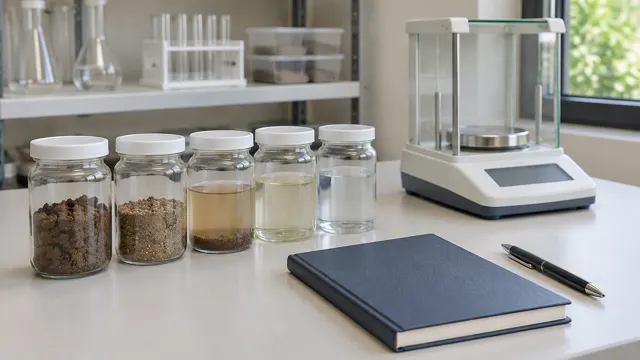
Lab, QA and testing
Turn the steps in your lab’s own method into a bench checklist, then check it against the method.
Work somewhere else? There is a good first job for your industry too.
- Construction and trades
- Testing labs (soil, aggregates, concrete)
- Food and dairy production (QA)
- Environmental monitoring
- Manufacturing
- Farming and agriculture
- Retail and property
- Transport and logistics
- Cleaning
- Hair, beauty and fitness
- Running a small business
Plus a prompt sheet for any workplace.
All practice material is supplied and made up, so you never use a real person’s details.
What you get
What this course does for you
We cannot promise a particular result. What you get from a tool depends on your job and your tool.
Get help with routine writing
A method you can repeat for notices, emails, checklists and summaries.
Make fewer mistakes
Check an answer against a real source before you use it.
Use AI chat tools with confidence
Know what never to paste, and when a person must decide.
Lower your privacy risk
Protect your customers’ details, and lower the risk of privacy trouble for you and your employer.
Take it back to work
Ready-to-use prompts and a sample AI-use policy for your workplace.
Show your boss
A record of completion when you finish. This is not nationally recognised training.
Is this the right course for you?
Yes, if you use AI chat tools at work
You work in hospitality, care, childcare, an office, safety, or a lab, QA room or testing business. You are new to AI chat tools, or use them a little, and you want simple habits that keep your work right and people’s details private.
No, if you want more than the basics
It is a beginner course. It does not teach coding or how to build AI tools. This course is not nationally recognised training. You receive a record of completion, not a Statement of Attainment.
One method, used in every part
Ask, Check, Protect, Decide, Say
- AskAsk the tool well, so you get a useful answer.
- CheckCheck the answer before you trust it.
- ProtectProtect people’s private details.
- DecideA person makes the decision, not the tool.
- SaySay when AI helped with your work.
One of the six practice workplaces
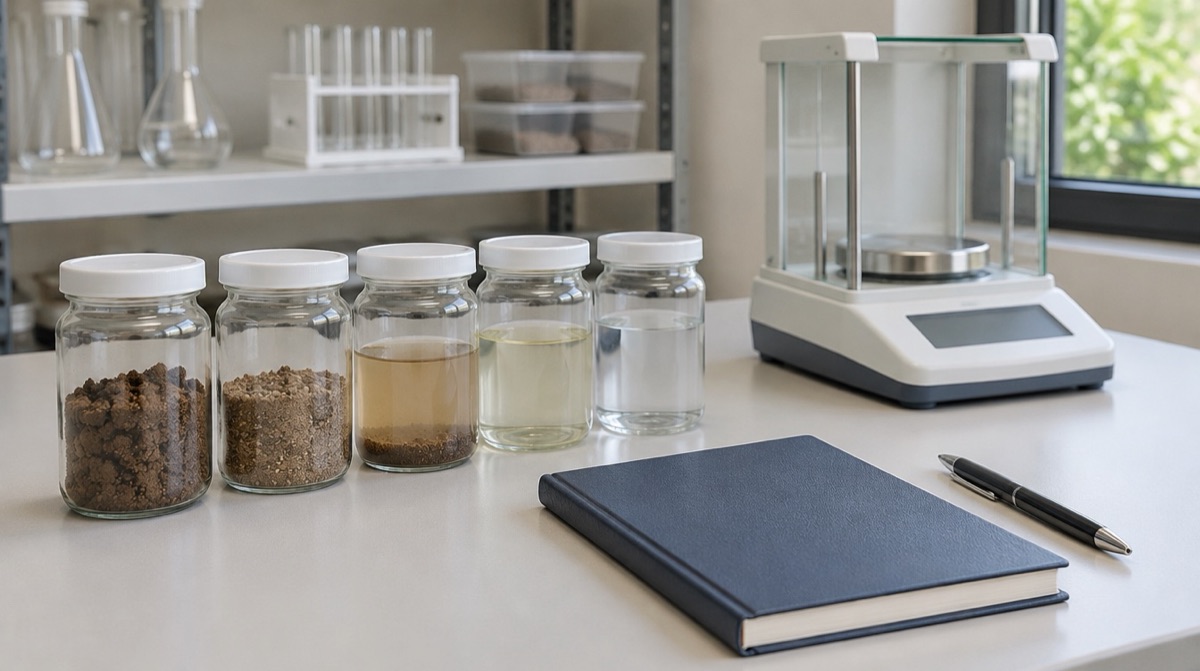
Work in a lab, QA or testing team?
- Examples from real kinds of lab work: concrete, soil and aggregates testing, food and dairy QA, and wine and environmental samples.
- Learn where a tool can help around the bench (checklists from your own method, client emails, training questions) and where it never goes (client results, pass or fail calls, client details).
- A lab prompt sheet and a sample AI-use policy to adapt and take back to your lab.
- Fits alongside your lab’s own quality system. It does not replace it.
- Run a lab? The sample AI-use policy gives you one set of rules to adapt for your team, and each person enrols with their own email.
What you will do
Six short parts
In parts 1 to 5 you practise with a real AI chat tool. Three of them end with a short practical task.
- Ask
Part 1. Start here, and Ask
See how the course works, pick your workplace, see examples for your industry and get your practice pack. Then write your first prompt and make it stronger with a four-line recipe.
- Check
Part 2. Check before you trust
Ask a question the tool cannot know, catch a made-up answer, and check it against a second source. Learn to spot made-up pictures and voices.
- Protect
Part 3. Protect people’s details
Sort what is safe to paste. Privacy law in plain words. Task A: remove the private details from an incident note.
- Decide
Part 4. When a person must decide
Where AI must not decide alone. Task B: handle a risky AI answer the right way.
- Say
Part 5. Do a real task and say AI helped
Task C: do a task from your own kind of job with an AI tool, check it, and note that AI helped.
- Finish
Part 6. Final check
20 questions, drawn from a larger set. Pass at 80%. Sit it as many times as you need.
Yours to keep
Your take-away pack
Print-ready sheets you can use at work the next day.
Prompt sheets
Ready-to-use prompts for each of the six workplaces, plus one for any workplace.
Sample AI-use policy
One page your workplace can adapt, as a PDF and as a Word file you can edit.
Five steps and sample rules
The method on one page, with sample AI-use rules to adapt.
Stop-and-ask steps
What to do when an answer looks wrong or risky.
Checking checklist
One page of steps to check an AI answer before you use it.
“Never paste this” card
The details that must never go into an AI tool.
Your questions answered
Is this nationally recognised training?
No. This course is not nationally recognised training. You receive a record of completion, not a Statement of Attainment.
What do I get at the end?
A Record of Completion and the take-away pack. You receive a record of completion by email when your three tasks and the final check are complete.
What do I need?
A computer or phone, and your own access to an AI chat tool, such as ChatGPT, Claude, Copilot or Gemini. A free account is fine. You must meet that tool’s own age rules.
Do I need a USI?
No. You do not need a USI for this course.
How long does it take?
Most people finish in 2 to 3 hours in total. It is self-paced, so you can stop and start when you like.
How do I pass?
Complete the three practical tasks and pass the final check: 20 questions, drawn from a larger set, pass at 80%. You can try as many times as you need.
Is it right for a lab, QA or testing team?
Yes. One of the six practice workplaces is a lab, QA and testing business, with its own version of all three tasks. The examples cover concrete, soil and aggregates testing, food and dairy QA, and wine and environmental samples. It fits alongside your lab’s own quality system. It does not replace it.
Can my team do it?
Yes. Each person enrols with their own email. For a team, email [email protected].
Ready to start?
AI at Work: Safe Use Basics. A short online course from Melbourne Tech Institute (RTO 45799). This course is not nationally recognised training. You receive a record of completion, not a Statement of Attainment. Price includes GST.